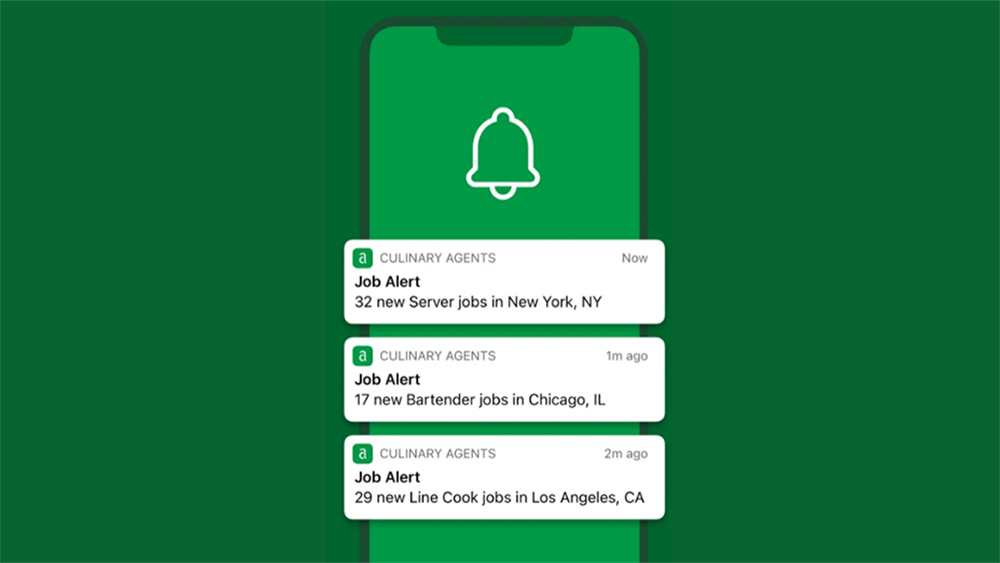
Want to get in front of hiring employers as an early applicant? Set up Job Alerts to be one of the first to know about new job opportunities that match what you've been seeking. Then you'll automatically receive updates to your inbox and/or as push notifications on your phone when you download our free iOS mobile app. You can also easily update and remove alerts at any time as your interests change.
To create a Job Alert:
- Log into your Culinary Agents account
- Click 'Jobs' from the top navigation
- In the search bar, enter your city or use precise location, then add a job title or keyword and search
- Use the left filter rail to narrow further if you'd like (Compensation, Job Type, Seniority, etc.)
- Click the Create Job Alert button in the results header to save your search
To update your Job Alert notification preferences:
-
Log into your Culinary Agents account
-
Select "Settings and Privacy" from the drop down menu (by clicking on your avatar on the top)
-
Select "Notifications" from the side menu
-
Click on the individual notification section for Jobs
- Click on "New jobs based on my alerts"
- Toggle On/Off for "Email" and/or "Push" based on your preferences
To remove a Job Alert:
- Log into your Culinary Agents account
- Select "Settings and Privacy" from the drop down menu (by clicking on your avatar on the top)
- Select "Alerts" from the menu of the left navigation bar
- Click "Remove" to the right of the corresponding job alert you wish to remove