2021 will be a tranformative year on many levels. Here are five quick updates you can make on your Culinary Agents account to propel you into a positive direction and give you a frest start as this new year unfolds.
1
Your Profile
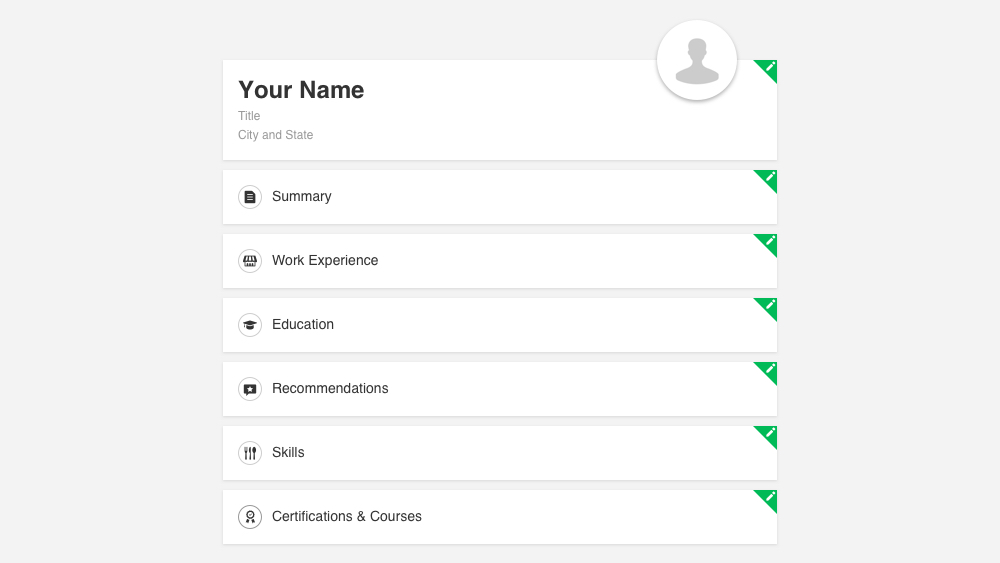
Whether you are looking for new career opportunities or hiring for your team, the more complete and current your Profile is, the better we can provide you with relevant information and opportunities.
To make edits:
To make edits:
- Log into your Culinary Agents account
- Select "Profile" from the drop down menu
- Click on the 'green pencil icon' next to the section(s) you'd like to edit
- Make your updates
- Click "Save" when finshed
2
Your Account Information
In the "Account" section, review review your contact details (e.g., email, phone number) as well as your career details, ensuring they are up-to-date so that you will be able to receive messages from businesses and emails.
To make updates:
- Log into your Culinary Agents account
- Select "Settings and Privacy" from the drop down menu
- Select "Account" from the menu of the left navigation bar
- Make your updates
- Click "Save" when finished
3
Your Job Preferences
In the "Job Preferences" section, review the resume and cover letter you have saved, delete or upload a new one if necessary so that you can have them easily as your finger tips when the time comes to apply to a job opportunity. Also take a moment to check your "Job Matching" and "Location" details so that we'll be able to match you to opportunities basd on these preferences.
To make updates:
- Log into your Culinary Agents account
- Select "Settings and Privacy" from the drop down menu
- Select "Job Preferences" from the menu of the left navigation bar
- Make your updates
- Click "Save" when finished
4
Your Notifications
In the "Notifications" section, you are able to customize the types of emails you will receive.
To make updates:
- Log into your Culinary Agents account
- Select "Settings and Privacy" from the drop down menu
- Select "Notifications" from the menu of the left navigation bar
- Click on the subsection that you wish to update
- Toggle "On/Off" the notification
- If you are updating the "Newsletter" section, click "Save" when finished
5
Your Alerts
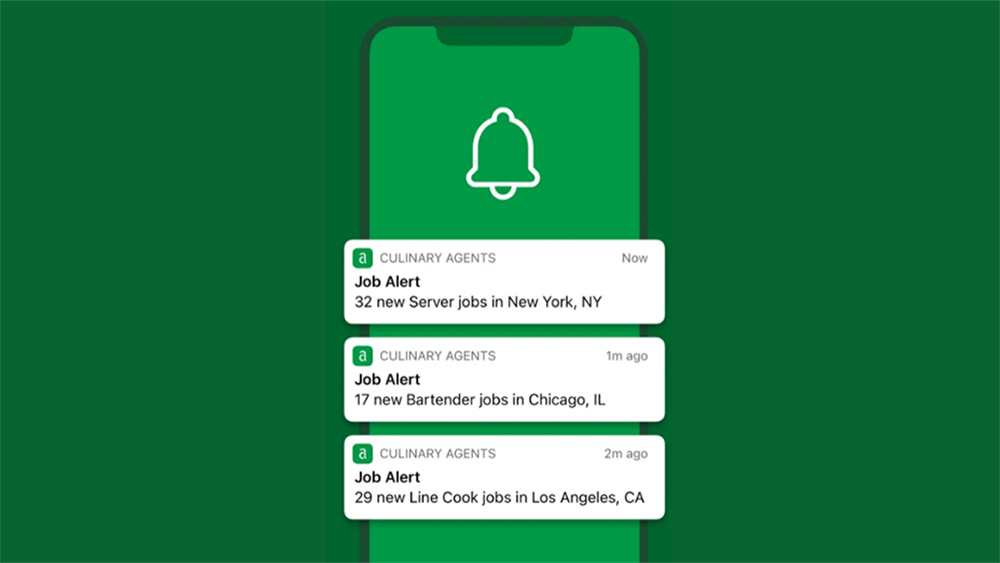
Updating and/or creating Job and Event Alerts will help you stay on top of new career opportunities and the happenings going on in the hospitality industry, including hiring and virtual events.
To create a Job Alert:
- Log into your Culinary Agents account
- Click on "Jobs"
- Type in the Job title, Company, City, etc. in the search bar
- Click on the 'magnifying glass icon' to search
- Click on the "Create Job Alert" button
To remove a Job Alert:
- Log into your Culinary Agents account
- Select "Settings and Privacy" from the drop down menu
- Select "Alerts" from the menu of the left navigation bar
- Click "Remove" to the right of the corresponding job alert you wish to remove
To create an Event Alert:
- Log into your Culinary Agents account
- Select "Settings and Privacy" from the drop down menu
- Select "Alerts" from the menu of the left navigation bar
- Enter the City in which you wish to receive event alerts for
- Click the "Add Alert" button
To remove/edit an Event Alert:
- Log into your Culinary Agents account
- Select "Settings and Privacy" from the drop down menu
- Select "Alerts" from the menu of the left navigation bar
- Click "Remove" to the right of the corresponding event alert you wish to remove OR uncheck the corresponding box for the type of events you wish to remove