Whether you're ready for your next role or just exploring what's out there, the right tools can save you time and surface opportunities you might otherwise miss. Here are the free tools on CulinaryAgents.com that help you do both.
1
Download the Culinary Agents Jobs iOS App
Easily discover and apply to jobs on-the-go (and on your phones) with our mobile app for job seekers. (Android version coming soon!)
2
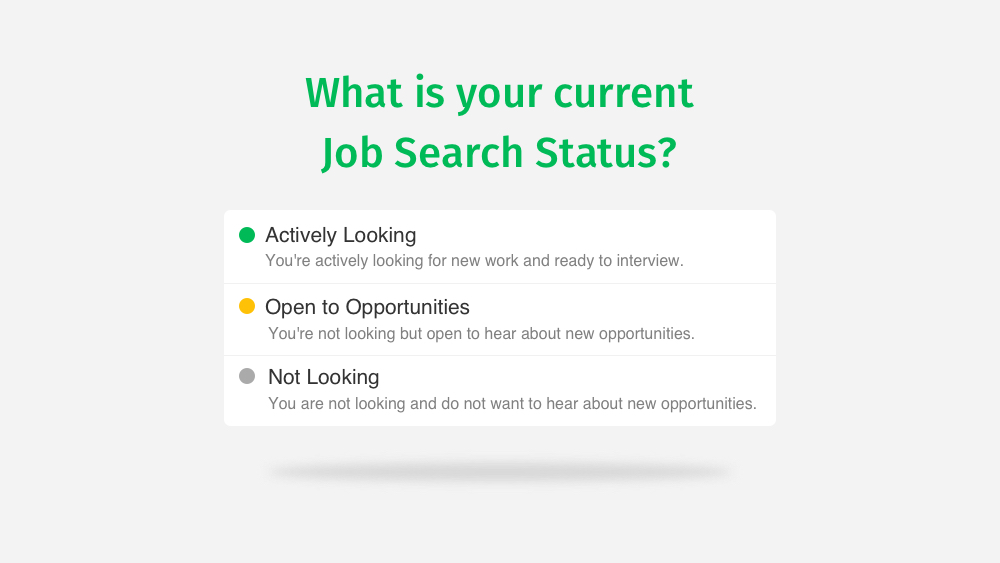
Update Your Job Search Status
Updating your current job search status allows us to proactively send relevant job openings to you as well as match your profile to specific employers who are hiring for roles based on your experience.
3
Personalize Your Job Matches
If you are actively (or passively) looking for employment, turning on the Job Matching feature (i.e., our AI recommendation engine) can save you time and help you discover new employers.
- Update your Job Match Settings
- Go to “Job Preferences”
- Go to the "Job Matching Section" section
- Select the appropriate "Do you want to match to jobs?" option
- Click “Save”
- View your Personalized Matches
4
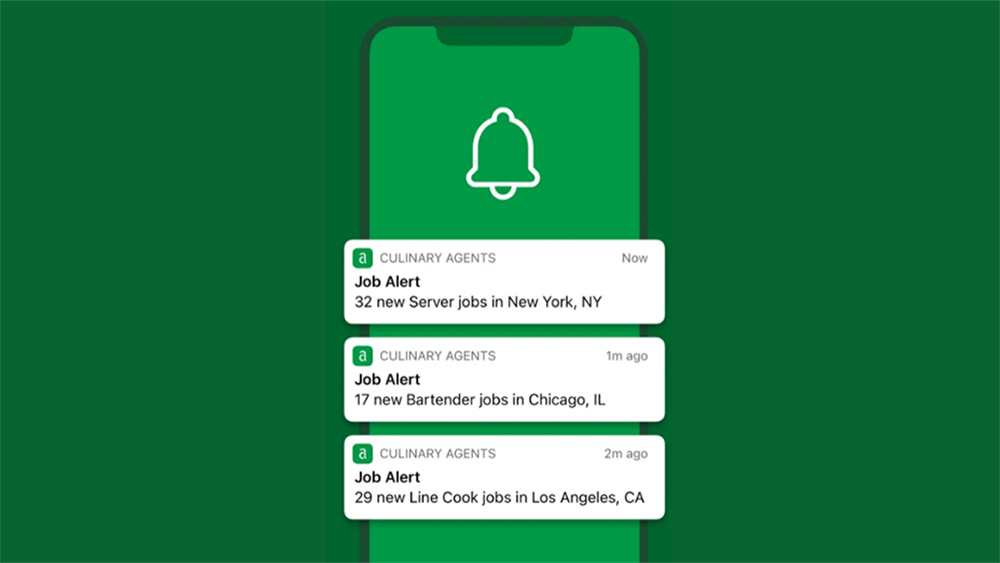
Create Job and Event Alerts
Get newly posted opportunities (e.g., jobs, open calls, etc.) sent to your inbox or mobile app daily based on your preferences.
Pro-tip: Alerts are a great tool to use in tandem with Job Matching.
5
Subscribe to Our Weekly Newsletter
Keep a pulse on the latest in the industry and how different markets are doing by subscribing to our weekly newsletter.
- Go to your “Settings and Privacy” by clicking on your avatar on the top.
- Select "Notifications" from the side menu.
- Click on the individual notification sections (e.g., Messages, Jobs, Events, Networking, Marketplace, Newsletter) to adjust your preferences.